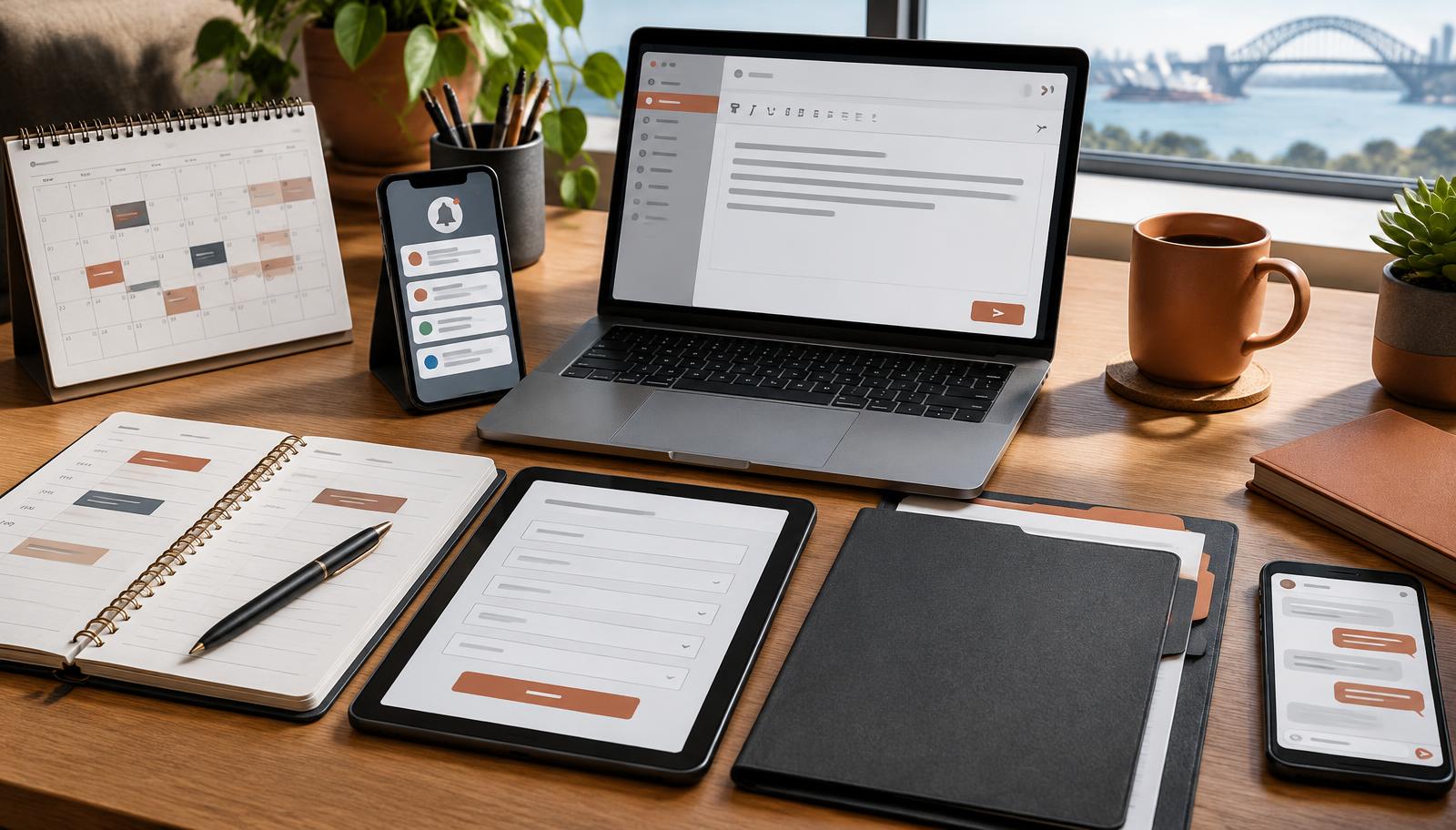
Most businesses do not need more software. They need fewer repetitive jobs competing for attention.
The best first automation is rarely the most impressive one. It is usually a routine task that happens often, follows predictable steps and creates a noticeable problem when it is delayed. Start there, prove the value, then build gradually.
How to choose what to automate first
Before comparing tools, list the tasks your team repeats every day or week. Score each one against four questions:
- How often does it happen?
- How much time does it take across the whole team?
- What happens when it is late, missed or entered incorrectly?
- Does it follow clear rules, or does it need judgement?
A frequent, rule-based task with a meaningful business impact is usually a better starting point than a rare task that sounds innovative.
1. Enquiry acknowledgement and routing
A new enquiry should not sit unnoticed in one person's inbox. A simple workflow can acknowledge the customer immediately, record their details and alert the right team member.
The acknowledgement should set expectations rather than pretend a person has already reviewed the request. For example, confirm receipt, state when a human will respond and provide an urgent contact option where appropriate.
This is especially useful for service businesses that receive enquiries after hours or while staff are with clients. It supports faster follow-up without removing the personal conversation that should come next. Our guide to why businesses lose enquiries explores this gap in more detail.
2. Follow-up reminders
Good leads are often lost because the first conversation happened, but the next action did not. Automated reminders can prompt a team member to call, send an agreed check-in or move a lead to the next stage.
Keep the sequence short and relevant. A useful follow-up refers to the person's enquiry and gives them a clear next step. Automation should prevent forgetfulness, not create a stream of generic messages.
3. Appointment scheduling
If booking an appointment requires several emails, there is usually room to simplify. Online scheduling can display genuine availability, collect essential information and send confirmations, reminders and rescheduling links.
Human involvement still matters for unusual bookings, urgent requests or clients who prefer to call. The goal is to remove routine coordination, not make the business difficult to reach.
4. Repetitive emails
Welcome messages, document requests, project updates and post-appointment notes are good candidates for templates and triggered workflows.
Start by identifying messages that contain the same core information each time. Keep space for personal details and require review wherever tone, advice or context matters. This produces consistency without making every customer feel as though they received a form letter.
5. Data entry between systems
Copying details from a website form into a spreadsheet, customer record and email platform wastes time and introduces avoidable errors. A connected workflow can capture the information once and place it where it is needed.
Before automating, decide which system is the source of truth. Clean up duplicate fields and agree on naming conventions. Automating messy data simply moves the mess faster.
6. Routine document creation
Quotes, proposals, onboarding packs and standard reports often draw from information already collected elsewhere. Templates can merge approved data into a consistent first draft, ready for a person to check.
This is particularly valuable when documents are delayed because someone has to rebuild the same structure each time. Keep approval steps for pricing, scope, legal wording and anything that carries professional responsibility.
7. Routine customer communication
Appointment reminders, progress updates, renewal notices and requests for missing information can often be sent automatically at the right point in a process.
The strongest workflows are useful to the customer. They answer the next likely question, explain what happens now and provide a clear way to contact a person. For more on this balance, read how AI can improve customer experience without losing the human touch.
What not to automate first
Avoid starting with work that is highly sensitive, changes every time or relies heavily on professional judgement. Complaints, complex negotiations, vulnerable customers and major financial or legal decisions need clear human ownership.
Also avoid automating a process nobody can explain. Map and simplify it first. If the manual version produces inconsistent results, technology will not solve the underlying confusion.
A practical first step
Choose one task, record how it works today and define what a better result would look like. Test the new workflow with a small group, watch for exceptions and measure time saved, response consistency and customer feedback.
If you want help identifying the highest-impact place to begin, a Complimentary AI Business Audit can map the opportunities without assuming everything should be automated. You can also explore our practical AI solutions and automation services.